Your cart
There are no more items in your cart
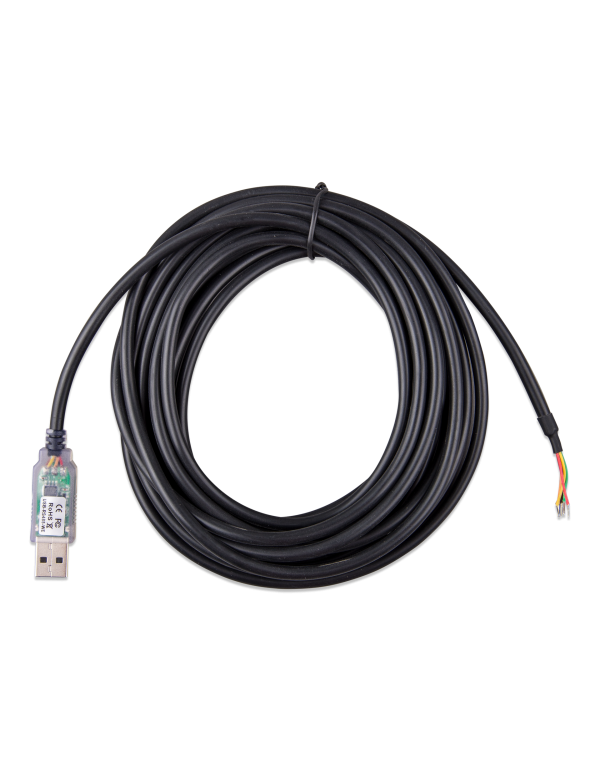
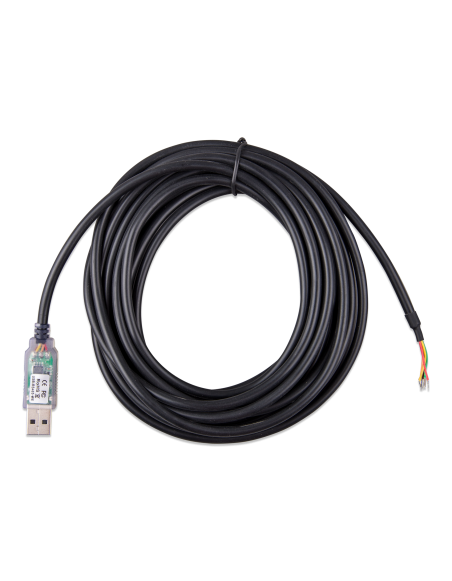


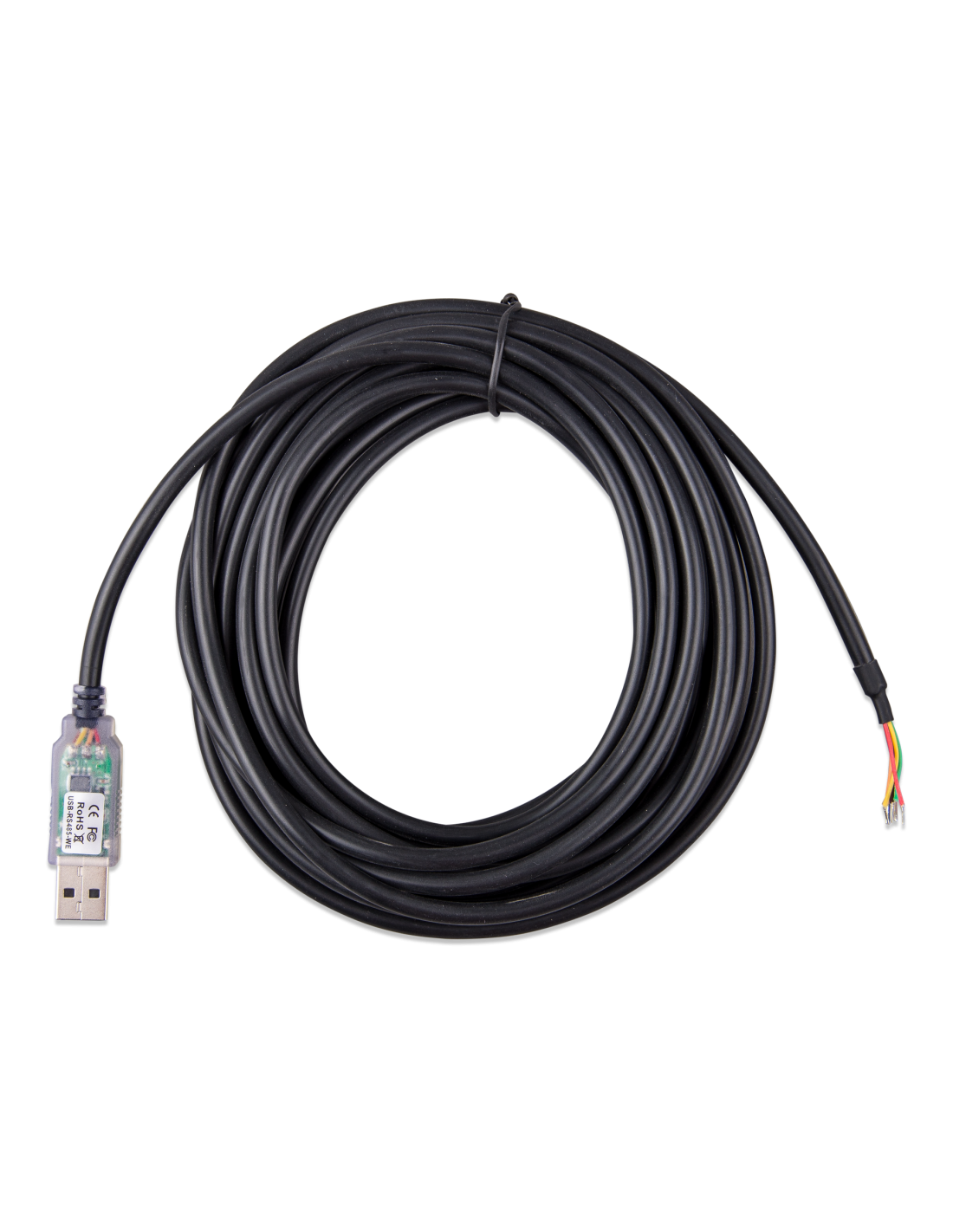
The Cable interface Victron RS485 to USB of 5 m (ASS030572050) is the converter cable that allows connecting a Energy counter with RS485 port, like the models ET112, ET340 or EM24, a gx device Victron (Cerb GX, Color Control GX, Venus GX and the like) through a USB port. The cable integrates the RS485 signal conversion electronics to USB, so that the GX recognizes the counter and displays its data on the device itself and in the Portal VRM. Is a key piece in the ESS systems Victron, where the network counter measures imported and exported energy in real time so that the system manages self-consumption, battery charge and pouring limitation. Their 5 meters They allow to separate the counter from the general picture and the GX without extension. One end ends in USB and the other in free threads To connect them directly to the RS485 terminals of the counter.
In an ESS system of Victron, the network counter It is the one that informs the system of how much energy is being imported or exported. Without a reliable data link between the counter and the GX device, the system can not regulate self-consumption. This interface converts the RS485 signal from the counter into a USB connection that the GX recognizes directly, without additional hardware configuration.
In many homes and businesses, the general where the counter is installed is removed from the technical room where the inverters-Barkers, lithium batteries and the GX device. The version of 5 m It covers that distance in most cases without splices, which are a common source of communication failures.
Once connected, the meter data appears on the GX screen and in the Portal VRM, which allows the user and the installer to see consumption, production and exchange with the network from anywhere.
Being an original accessory Victron Energy, is designed to work with GX and Venus OS devices, avoiding incompatibilities with generic converters.
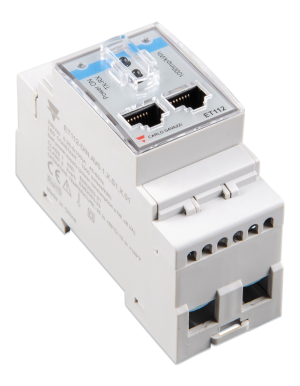
Is the most common use: connect a Et112 (single-phaseor a Et340 (three-phase) Installed in the general box to the GX device of the system, so that the ESS control self-consumption and the poured.
Counters can also measure the output of a inverter FV connected to network or an alternating current generator. Keep in mind that many inverters solar They offer direct reading in the system Victron, so they do not always need accountant.
If the wiring between frame and GX is not viable, Victron offers converters ZigBee wireless, and the counter EM24 Ethernet You can contact through the local network.
Complete your system with inverters hybrid, solar panels and Solar kits on Tienda Solar, and consult in the Blog Tienda Solar Our technical guides developed by experts.
1. What is the RS485 cable to USB for Victron?
To connect a RS485 Energy Counter, like the Et112 or the Et340, a GX device of Victron By USB, so that the system reads the measurements of the counter.
2. What is the difference between the version of 1.8 m and the 5 m?
Only the length. Of 5 m It is adequate when the counter and the GX device are in different frames or rooms.
3. How do you connect to the counter?
The end of the meter ends in free threads, which connect to the counter communication terminals of the counter following the scheme of the corresponding counter manual.
4. Does any GX device work?
Is designed for GX devices Victron with USB port, like Cerb GX, Color Control GX or Venus GX, which execute venus.
5. Do I need an accountant if my inverter FV and communicate with Victron?
Not necessarily. So many inverters FV offer direct reading in the system Victron. The counter is essential, especially, as network counter In ESS systems.
6. Can I lengthen the cable?
The recommendable thing is to use the appropriate length version and avoid splices. If the distance is greater, it values the zigbee wireless solutions of Victron.