Your cart
There are no more items in your cart
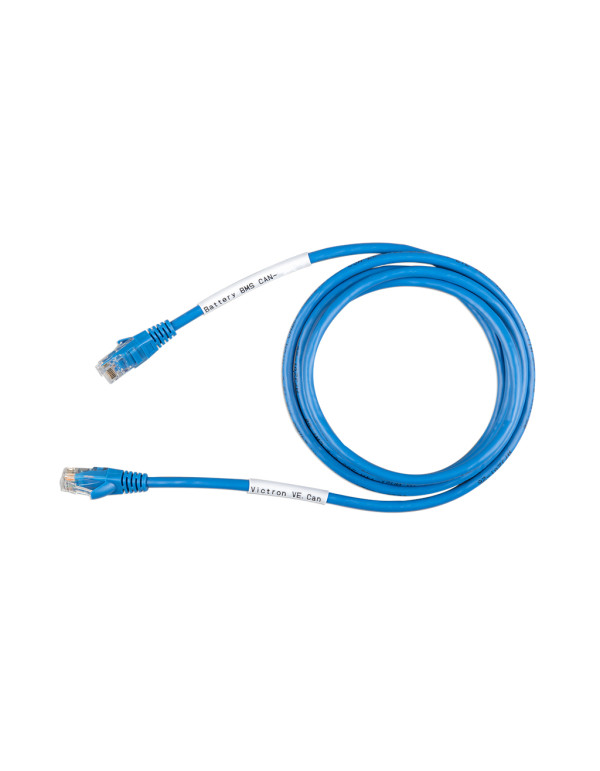
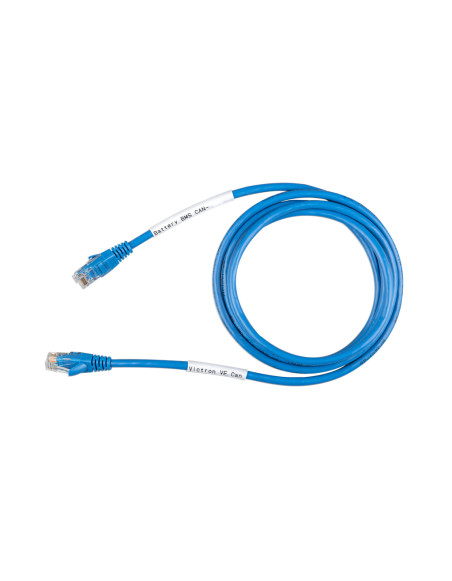


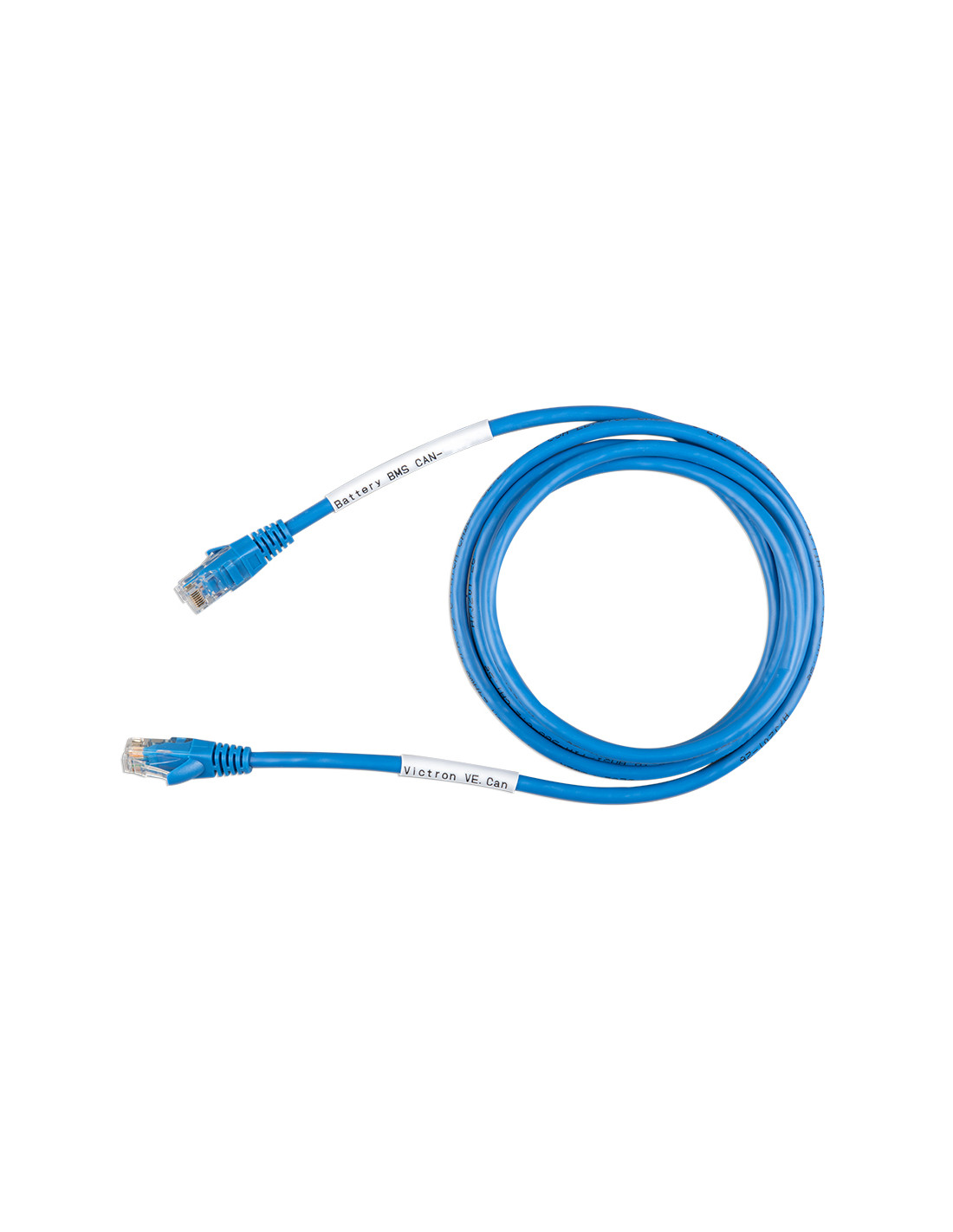
The cable Victron VE.Can A CAN-BUS BMS Type A of 5 m (ASS030710150) connect a Lithium battery with BMS can-bus from another manufacturer to Port VE.Can of a GX device of Victron, like the GX Cerb or the Color Control GX. Through this link, the BMS of the battery communicates to the system Victron your cargo state, your tension and load and discharge current limits, and your alarms, so that inverters-Thargers and regulators always work within the parameters that the battery admits. Victron manufactured Two types of cable, A and B, which differ in the Pin assignment of the RJ45 connector On the side of the battery: Choosing the correct type is essential for communication. According to the manual of Victron, the Type is the indicated, among others, for Pylontech US2000C, US3000C, UP5000 and Force-L, BYD B-box, Discover Helios ESS and Hubble Lithium (Cloudlink). This version measures 5 meters.
A lithium battery should not be loaded "blindly". With Can-Bus communication, the BMS indicates to the system Victron in every moment How much current can you accept or deliver And at what tension should be loaded, and the system obeys. This protects the cells, lengthen the life of the lithium batteries And allows the GX to show the real load state.
The battery manufacturers do not place the Can signals in the same pins of the RJ45. A standard network cable does not serve: Type A reasignates pins (for example, Can-H of pin 7 to pin 4 and Can-L of pin 8 to pin 5) To match compatible batteries, without the need to manufacture custom cables.
The version of 5 m It allows to locate the battery bank and the GX device at different points of the technical room or even in contiguous stays, maintaining an original cable without splices.
As well as Victron Energy to work with ports VE.Can From your GX devices, guarantees compatibility with the official battery list.
The choice depends Exclusively of the battery. According to the current manual of Victron, the Type corresponds to the Pylontech of the latest generation (US2000C, US3000C, UP5000, Force-L), BYD B-Box, Discover Helios ESS and Hubble Lithium, while the B it is used with Pylontech US2000, US3000 and UP2500, LG Chem Resu, BMZ, Axistorage, BSLBATT, Solar MD and Freedom Won, among others.
Batteries Pylontech Different generations use different cable types: check the exact model (for example, Us3000c versus Us3000) Before choosing the cable.
The cable connects to Port VE.Can of the GX device (or the BMS-CAN port on the GXs that incorporate it) and to the CAN port of the BMS of the battery, following the battery and GX manual.
Find the rest of your system components, such as inverters hybrid, solar panels or Solar kits, in Tienda Solar, and consult the Blog Tienda Solar For technical guides prepared by experts.
1. What batteries need the type A cable?
According to the manual of Victron: BYD B-box, Discover Helios ESS, Hubble Lithium via cloudlink and Pylontech US2000C, US3000C, UP5000 and Force-L.
2. What happens if I use the wrong type of cable?
The battery and the GX device they will not be communicated, because Can signs reach different pins. Always check the compatibility before installation.
3. Does a normal Ethernet network cable serve?
No. A standard Ethernet cable does not reassign the Can pins as these batteries need. Therefore Victron manufactures specific type A and type B cables.
4. What is the difference with the 1.8 m version?
Only the length. Of 5 m It allows more distance between the battery and the GX device.
5. My Pylontech US3000 uses type A?
No. according to the manual of Victron, the US2000, US3000 and UP2500 use the B, while the versions US2000C, US3000C, UP5000 and Force-L use the Type.
6. What port of GX does it connect?
To the port VE.Can (or the port BMS-can In GX devices that incorporate it), as indicated by the GX device manual.