Your cart
There are no more items in your cart
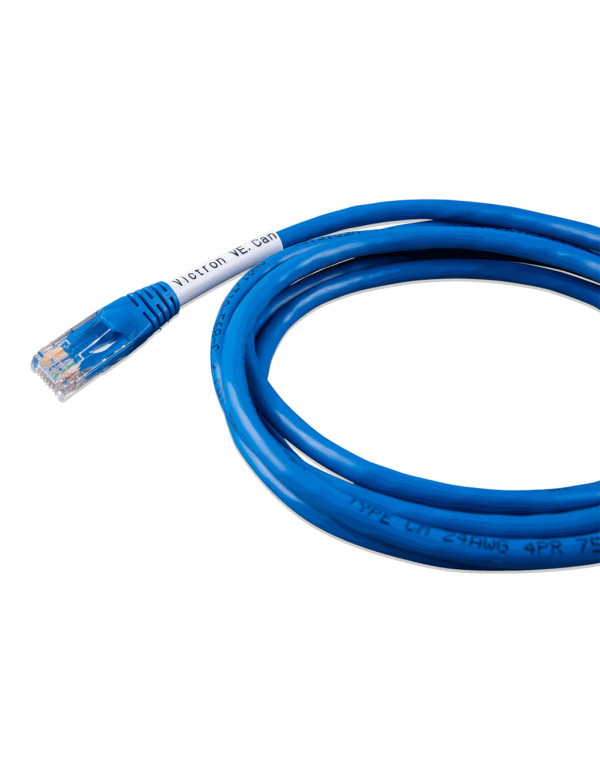
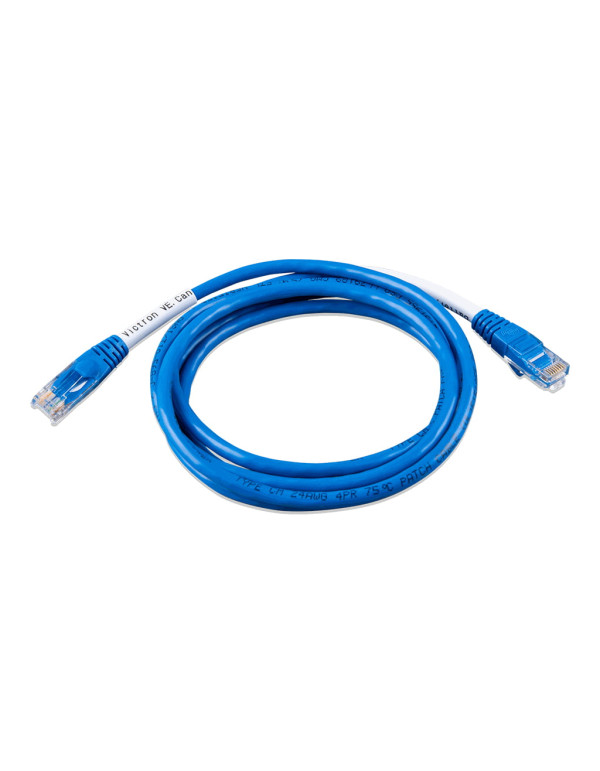
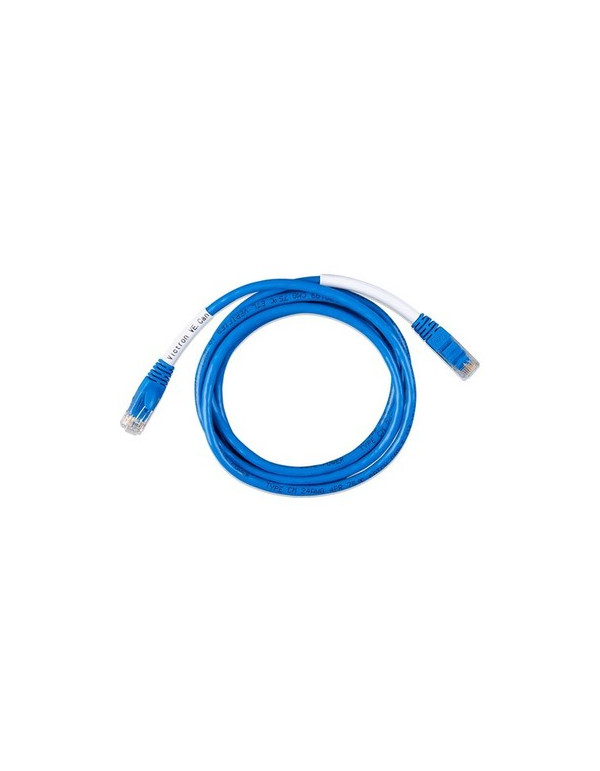
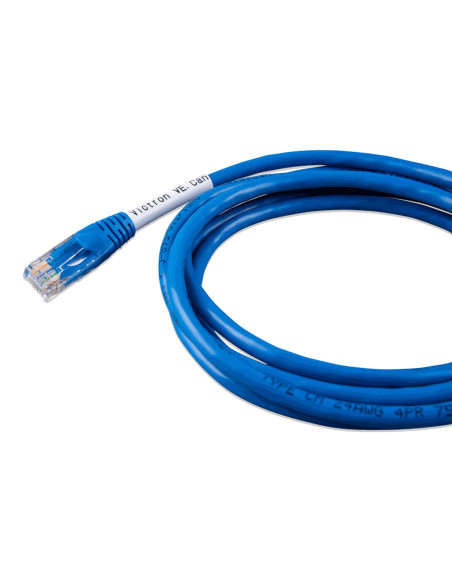
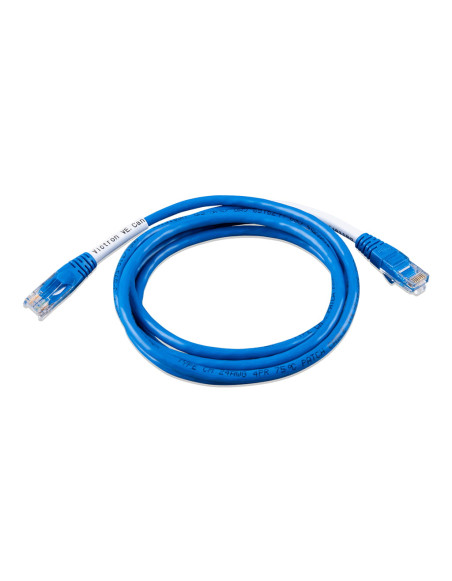
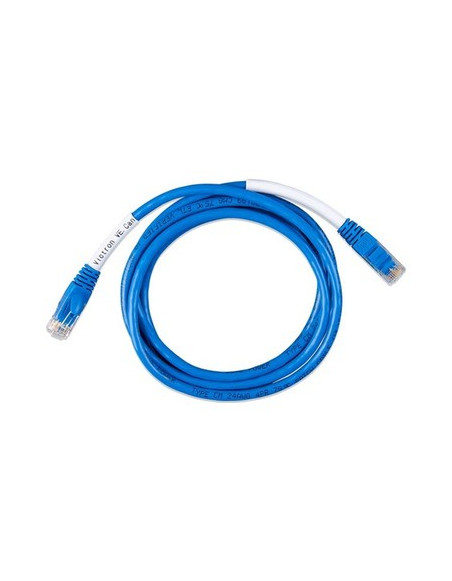


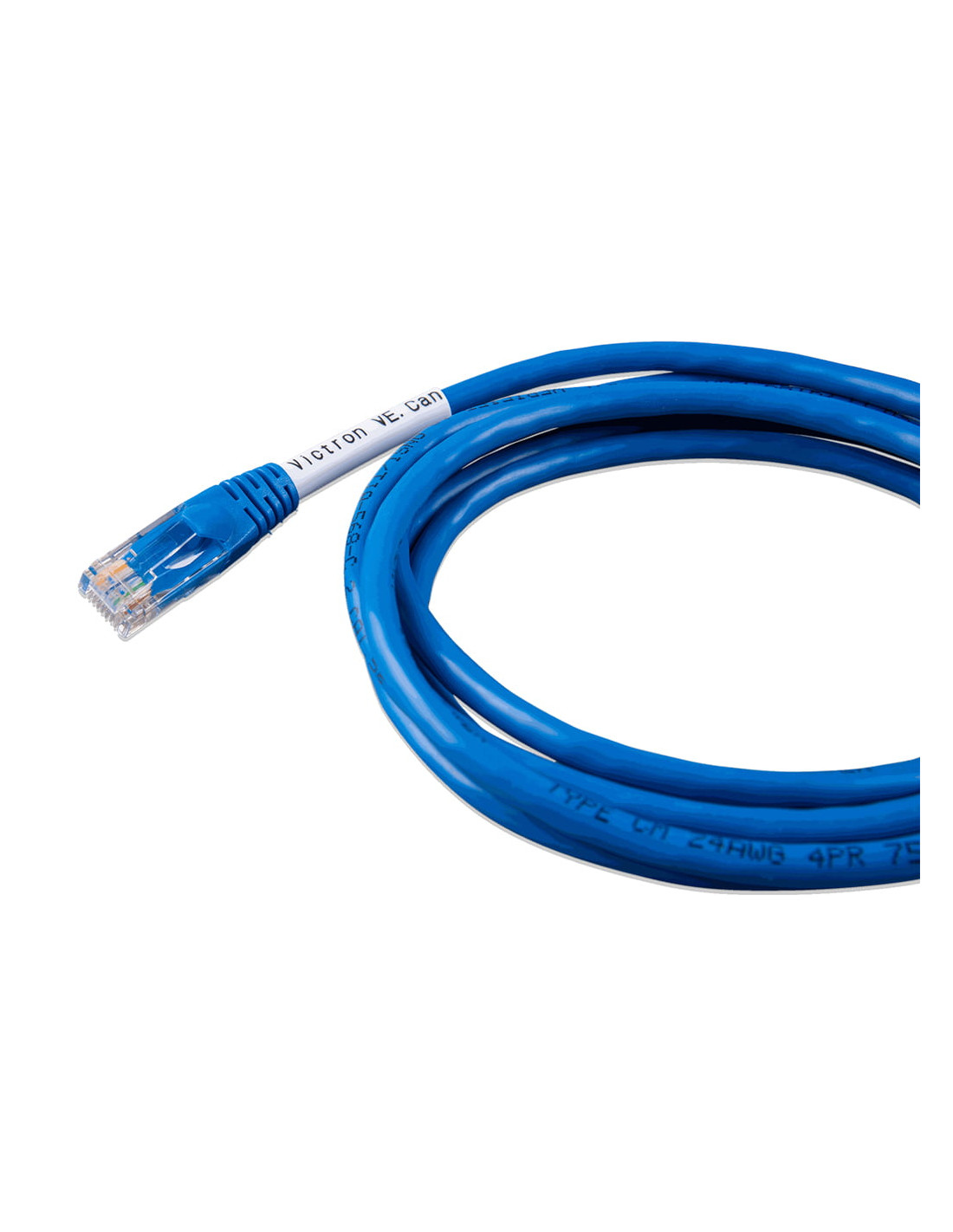
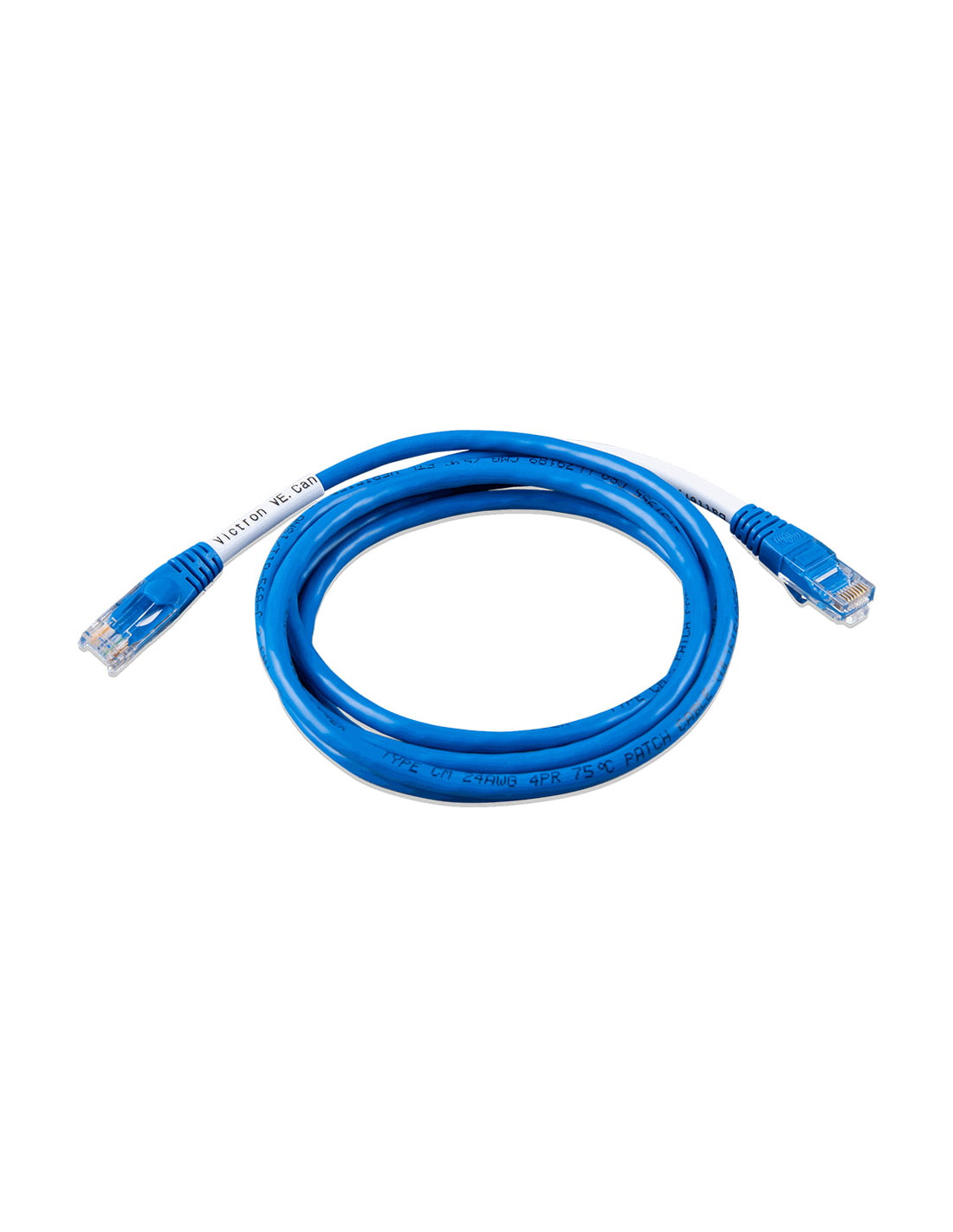
The cable Victron VE.Can A CAN-BUS BMS Type B of 1.8 m (ASS030720118) is the communication cable that unites the BMS CAN-BUS of a lithium battery of another brand with the Port VE.Can of a GX device of Victron. Thanks to him, the system Victron Receive the load state, current limits and voltage and battery alarms, and adjust in real time the operation of inverters- Solar fields and regulators. The B differs from type A in the Pin assignment of the RJ45 connector On the side of the battery, so you should be chosen according to the manufacturer and the battery model. According to the manual of Victron, is the cable indicated for batteries as LG Chem Resu, BMZ, Axistorage 7S / 9S, BSLBATT, Solar MD BMS EX, Freedom Won Etower and the Pylontech US2000, US3000 and UP2500. Its length of 1.8 meters It is ideal when the battery and the GX device are assembled next to each other, with a short and tidy wiring.
Many installers combine equipment Victron With batteries from other manufacturers. The type B cable is the piece that makes this integration possible: with the BMS communicating by Can-Bus, the system Victron Manage the battery charge according to the limits that your own BMS marks, as with a native battery.
By following at all times the BMS slogans, the system avoids overloads, excessive and current discharges out of range, which protects the cells and prolongs the useful life of the lithium batteries.
The GX device shows the loading status, the voltage, the current and the battery alarms, and sends them to the VRM portal for remote supervision.
The length of 1.8 m It is the most practical when the GX device is mounted on the wall just above or next to the battery bank, avoiding excess cable and facilitating an orderly installation.
The type of cable depends on where each manufacturer is placed by the Can signals in its RJ45 connector. According to the manual of Victron, the B correspond to LG Chem Resu, BMZ, Axistorage, BSLBATT, Solar MD, Freedom Won and at Pylontech US2000, US3000 and UP2500.
The most recent versions of Pylontech (US2000C, US3000C, UP5000 and Force-L) use the Type. Before buying, check the label of your battery.
Connect the end Victron to the port VE.Can (or BMS-can, if the GX incorporates it) and the other end to the BBS port, following the indications of the battery and GX manual, including the bus termination resistors if necessary.
Complete your installation with inverters hybrid, inverters solar or Solar kits of Tienda Solar, and finds detailed guides in the Blog Tienda Solar, Elaborated by experts.
1. What batteries use the type B cable?
According to the manual of Victron: Axistorage 7S / 9S, BMZ, BSLBATT, LG Chem Resu, Pylontech US2000 / US3000 / UP2500, Solar MD BMS EX and Freedom Won Etower.
2. Is it compatible with the Pylontech US5000 or US3000C?
According to the manual of Victron, the US2000C, US3000C, UP5000 and Force-L use the Type. For models not included in the list, consult with the battery manufacturer or with our technical team.
3. What is the difference between type A and type B?
The Pin Assignment of the RJ45 connector on the battery side. The cable must match the BMS pinout; If not, there will be no communication.
4. Can I use a standard Ethernet cable?
No. A standard network cable does not reassign the Can pins, so the battery and the GX would not communicate.
5. When to choose 1.8 m or 5 m?
The version of 1.8 m It is ideal when the GX and the battery are together. If they are separated, choose the version of 5 m.
6. What information does the system receive Victron through the cable?
The loading, tension and battery current, Loading and unloading limits fixed by the BMS and the alarms.